
A Signal enters the Current.
REEF routes the Signal to qualified available Watchers.
REEF / HUMAN RESPONSE. ON DEMAND.
Connect compatible cameras to REEF. Qualified Signals enter the Current and are intelligently routed to available Watchers for human verification and response.
Thousands can be available. One responds. REEF routes each qualified Signal through the Current to an available Watcher who verifies the evidence and takes the appropriate action.
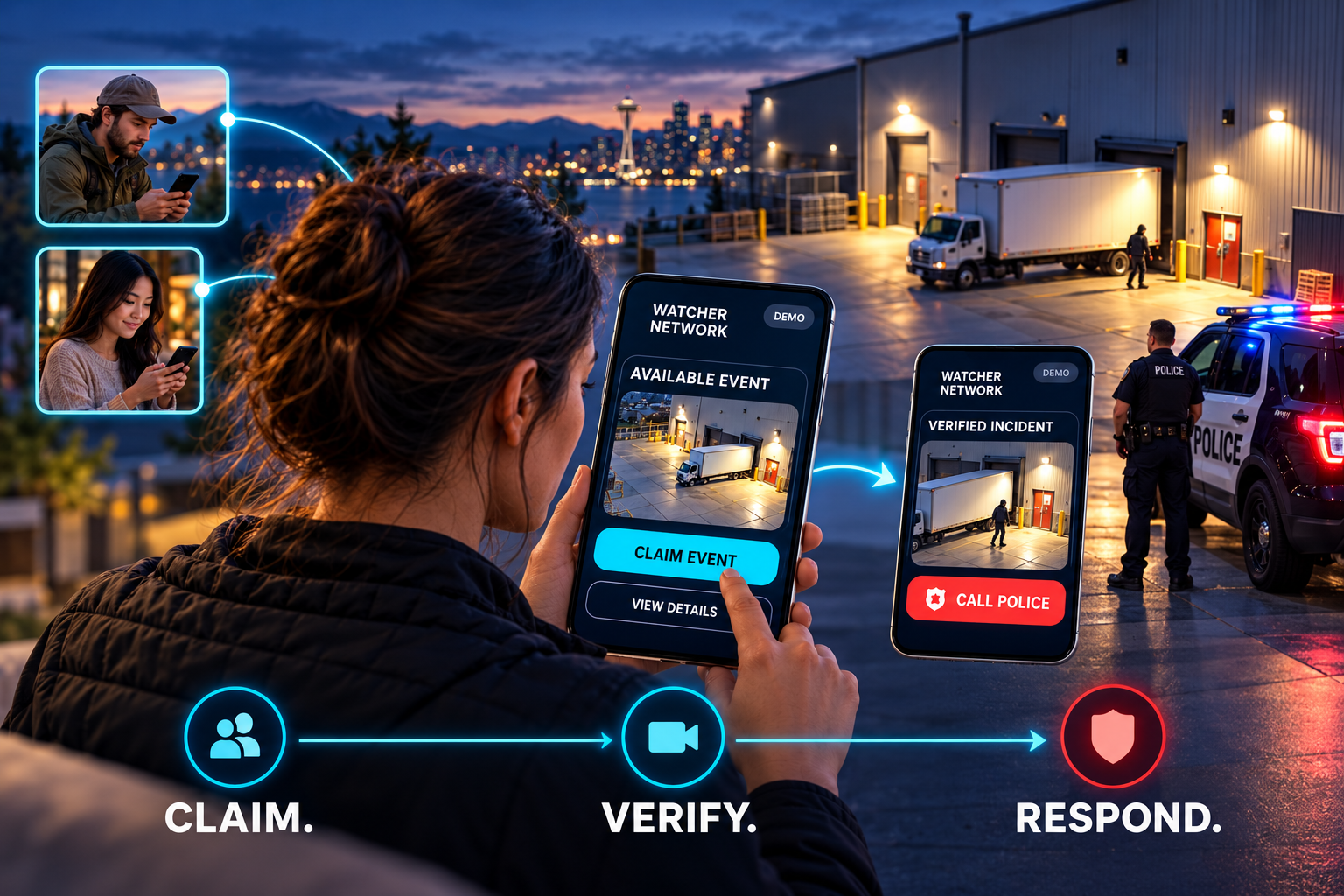
Thousands available. One responds. A Signal enters the Current. REEF routes it to qualified available Watchers. One Watcher accepts it, reviews the camera evidence and follows the client response plan.
Illustrative workflow. Police escalation depends on the incident; the app demonstration does not place calls.
REAL PEOPLE / CONNECTED BY THE EVENT
Camera activity becomes a Signal. The Signal enters the Current. REEF routes it to qualified available Watchers, and one Watcher accepts responsibility for verification and response.

REEF routes the Signal to qualified available Watchers.
Accept the Signal and open the camera view for verification.
Dismiss a false event or escalate an incident with an evidence record.
INTERACTIVE APP DEMONSTRATION
Accept the sample Signal, review the camera evidence, choose an outcome and create the client report.
REEF AI identifies activity for human review. The Signal enters the Current, which routes it to qualified available Watchers; one Watcher accepts it.
Sample imagery and simulated actions. No live camera access, audio, police calls, payments or notifications.

Sample Signal is ready to accept.
CLIENT NOTIFICATION + SIGNAL RECORD
The preview below updates as you work through the demo. Owners and managers can see the outcome, evidence and action taken.
REEF / SAMPLE CLIENT REPORT
South Sound Commerce Center · CAM 03
Add observations in the app report stage.
The sample event has not been reviewed yet.
Demonstration only. No report or notification is sent.
THE REEF WORKFLOW / STEP BY STEP
Follow a Signal from the camera, into the Current, to a Watcher’s phone and through to the client report.
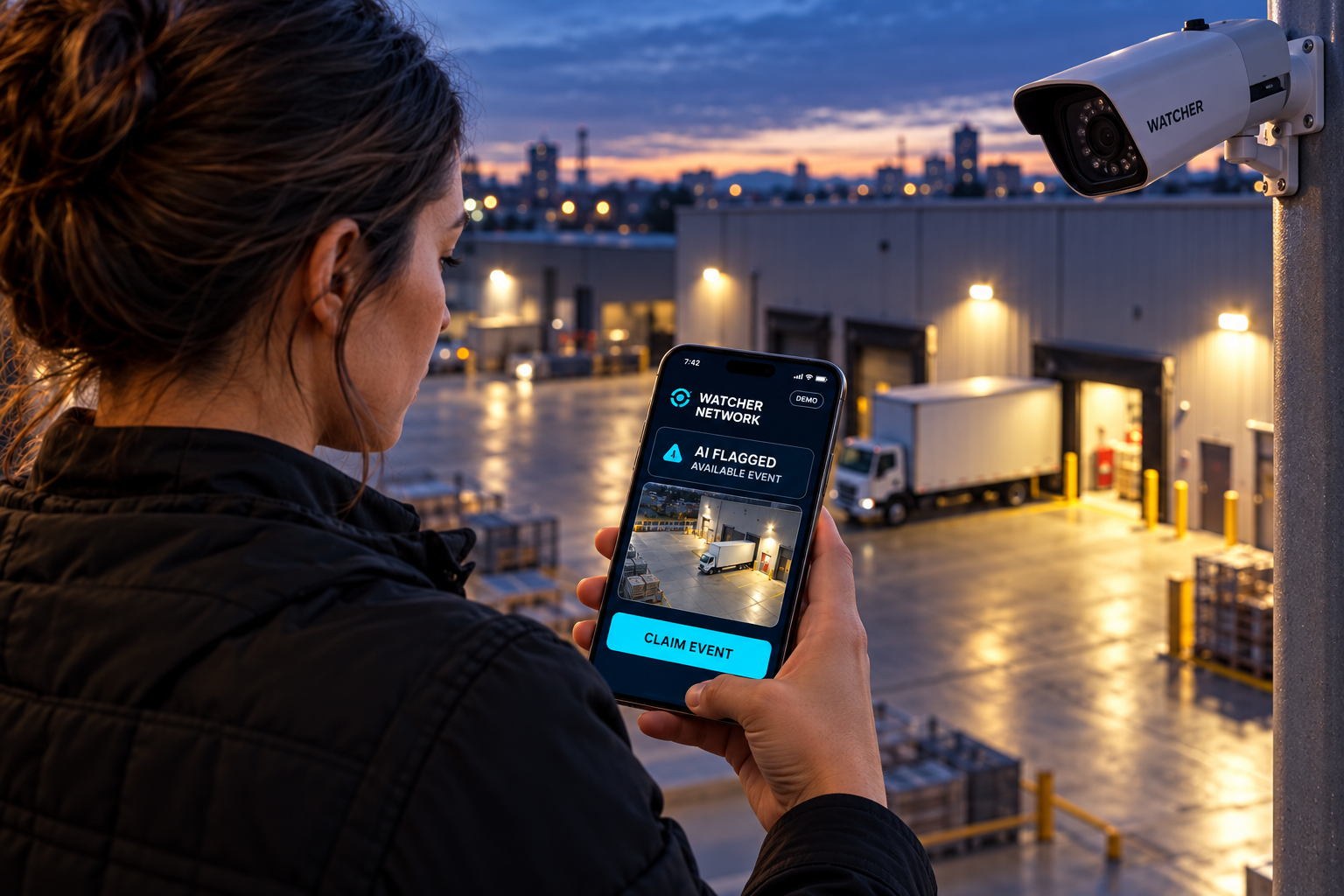
01 / DETECT
Camera activity becomes a reviewable event. AI helps filter nuisance activity before the event reaches the mobile network.
WATCHER NETWORK · IN CURRENT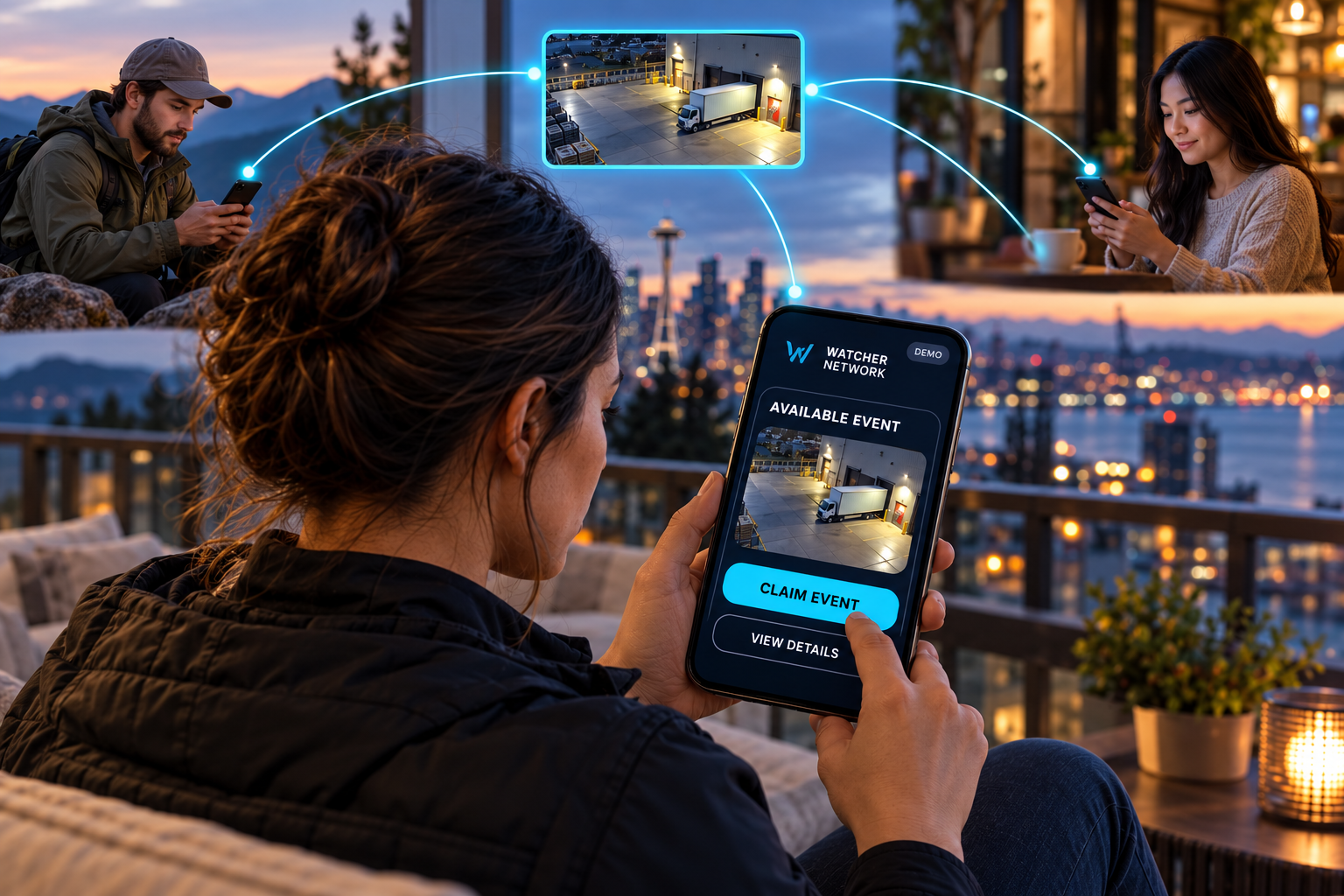
02 / CLAIM
Available Watchers compete to claim the event on their phones. Once claimed, it is assigned to one Watcher so the review has a clear owner.
AVAILABLE SIGNAL → CLAIM EVENT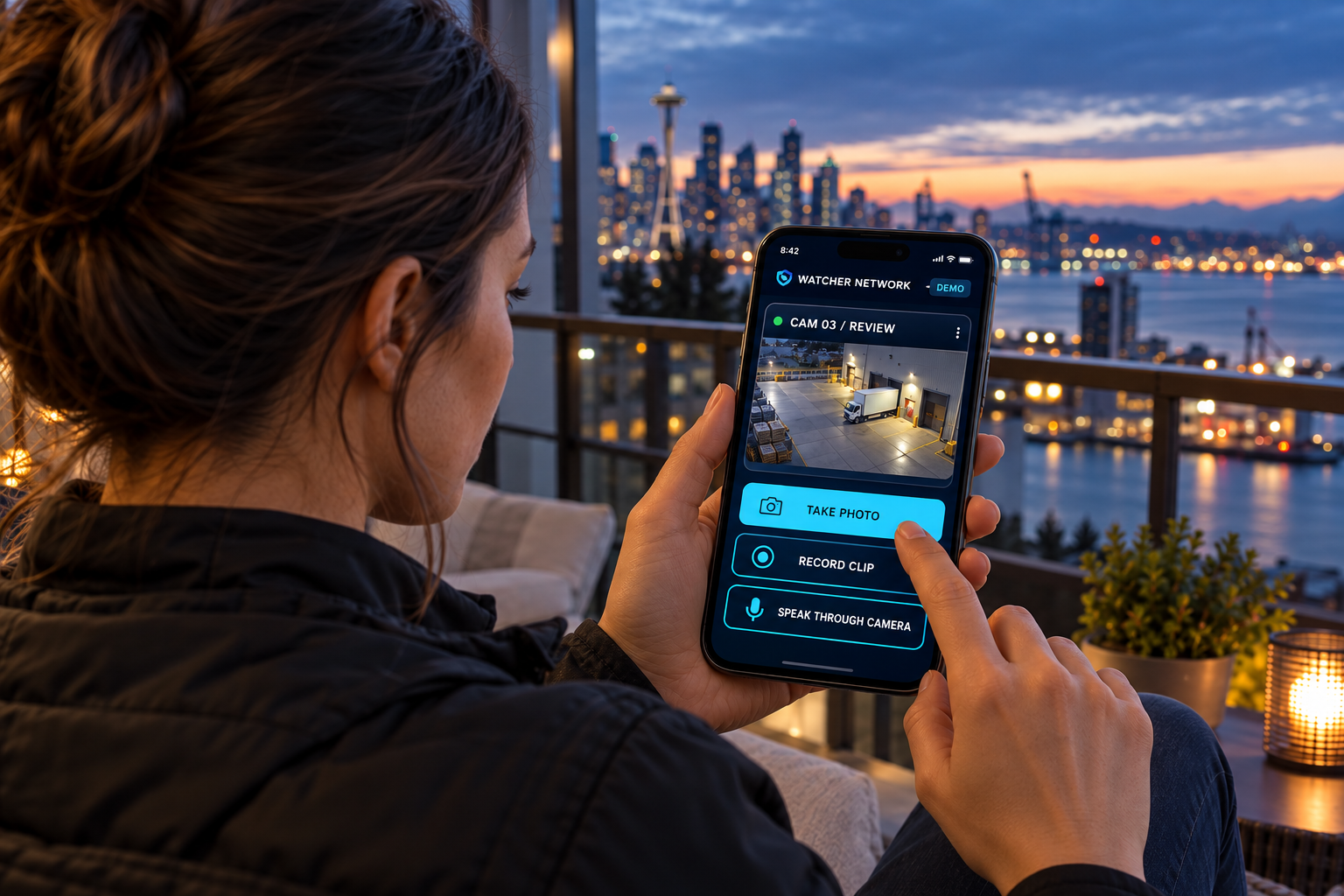
03 / VERIFY
The assigned Watcher reviews the camera view, captures photos or video, and can speak through supported cameras. Evidence informs the next action.
TAKE PHOTO · RECORD CLIP · SPEAK THROUGH CAMERATHE REVIEW DETERMINES THE NEXT ACTION
The Watcher dismisses a false event or responds to a verified incident.
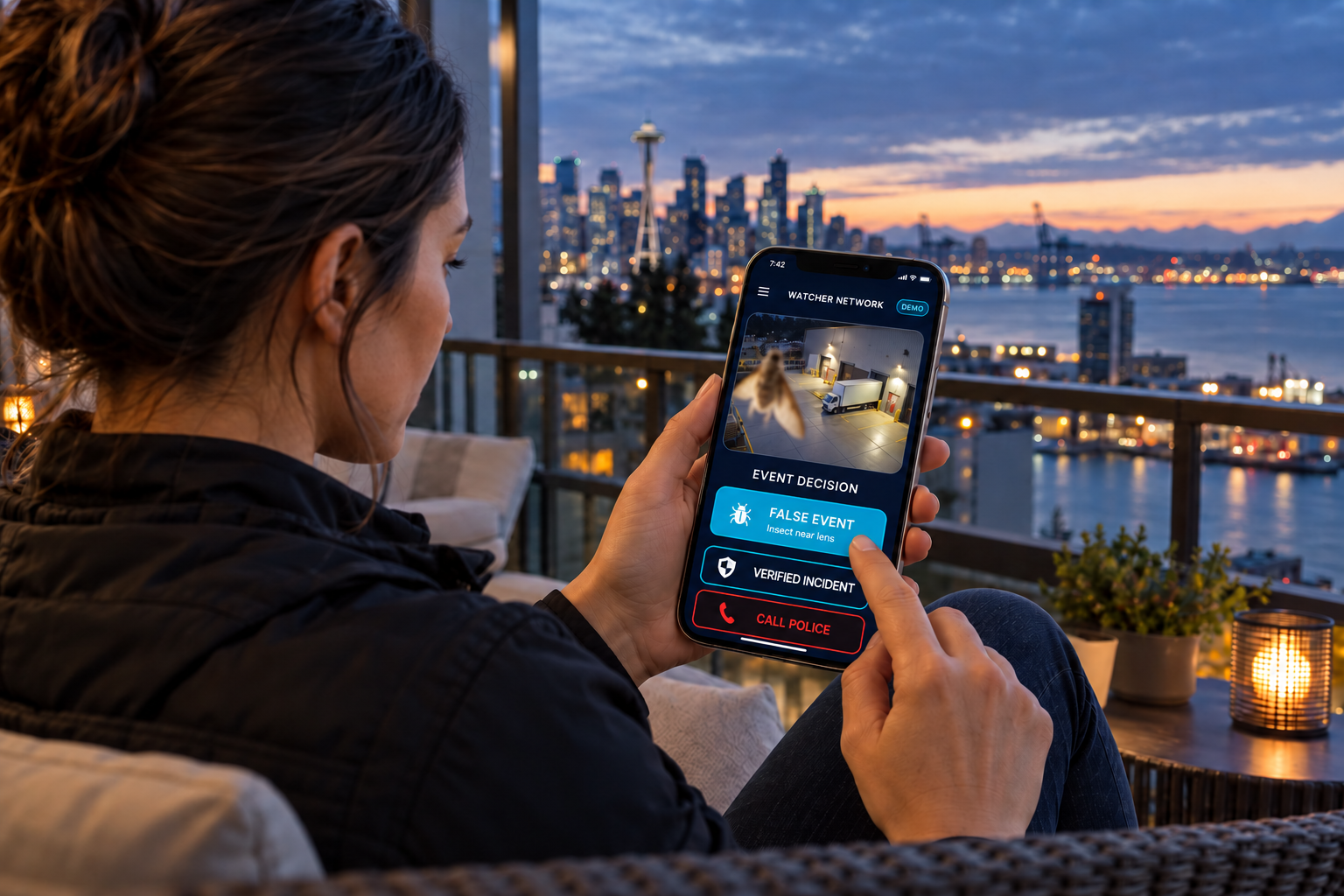
OUTCOME A / DISMISS
An insect, reflection or other harmless activity can be dismissed after review. The Watcher records why it was a false event, preserving the review record.
SIGNAL DECISION → DISMISSED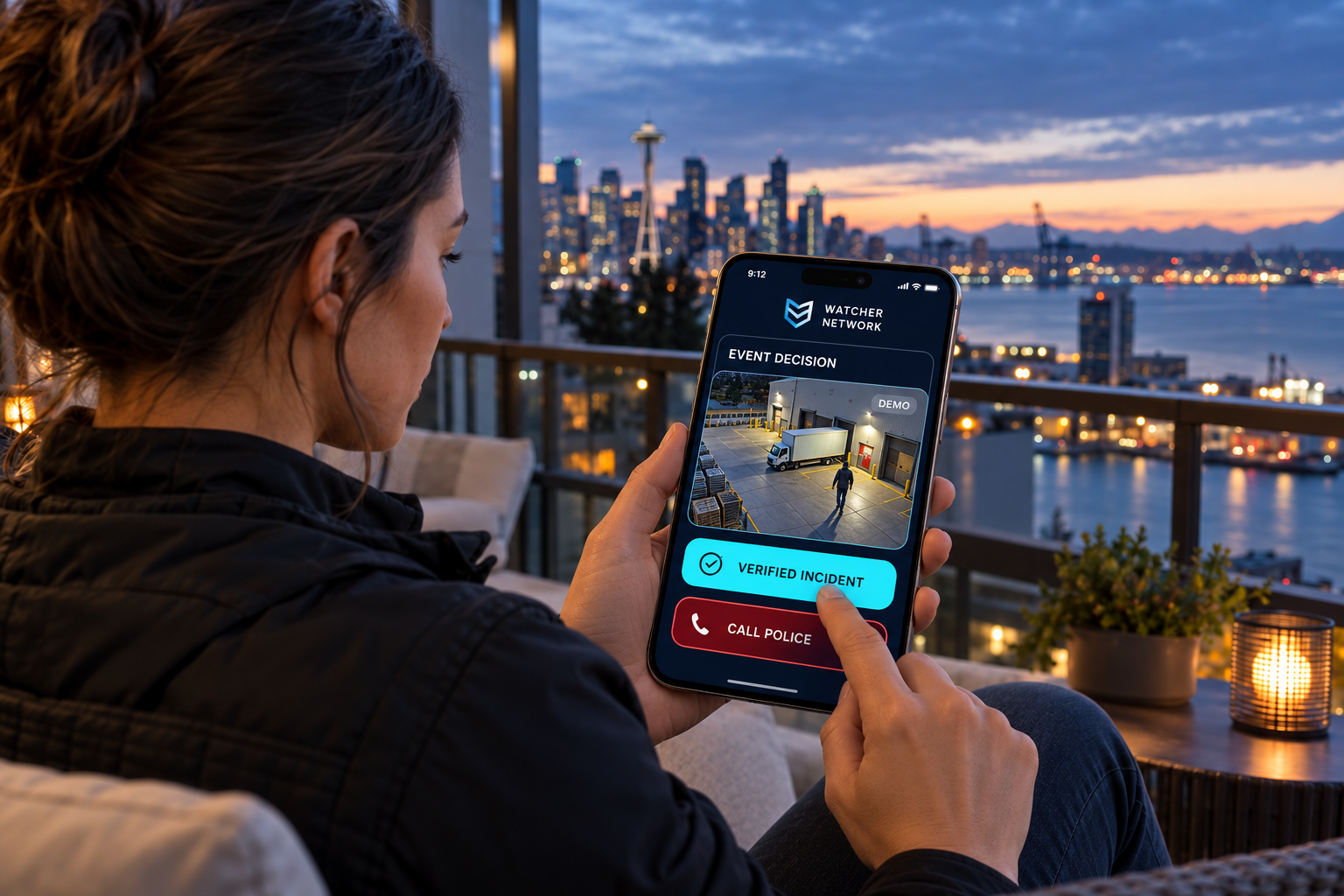
OUTCOME B / RESPOND
The Watcher documents the incident, notifies designated contacts and calls the appropriate authority when required. Escalation can happen while the event is in progress.
VERIFIED INCIDENT · CALL POLICE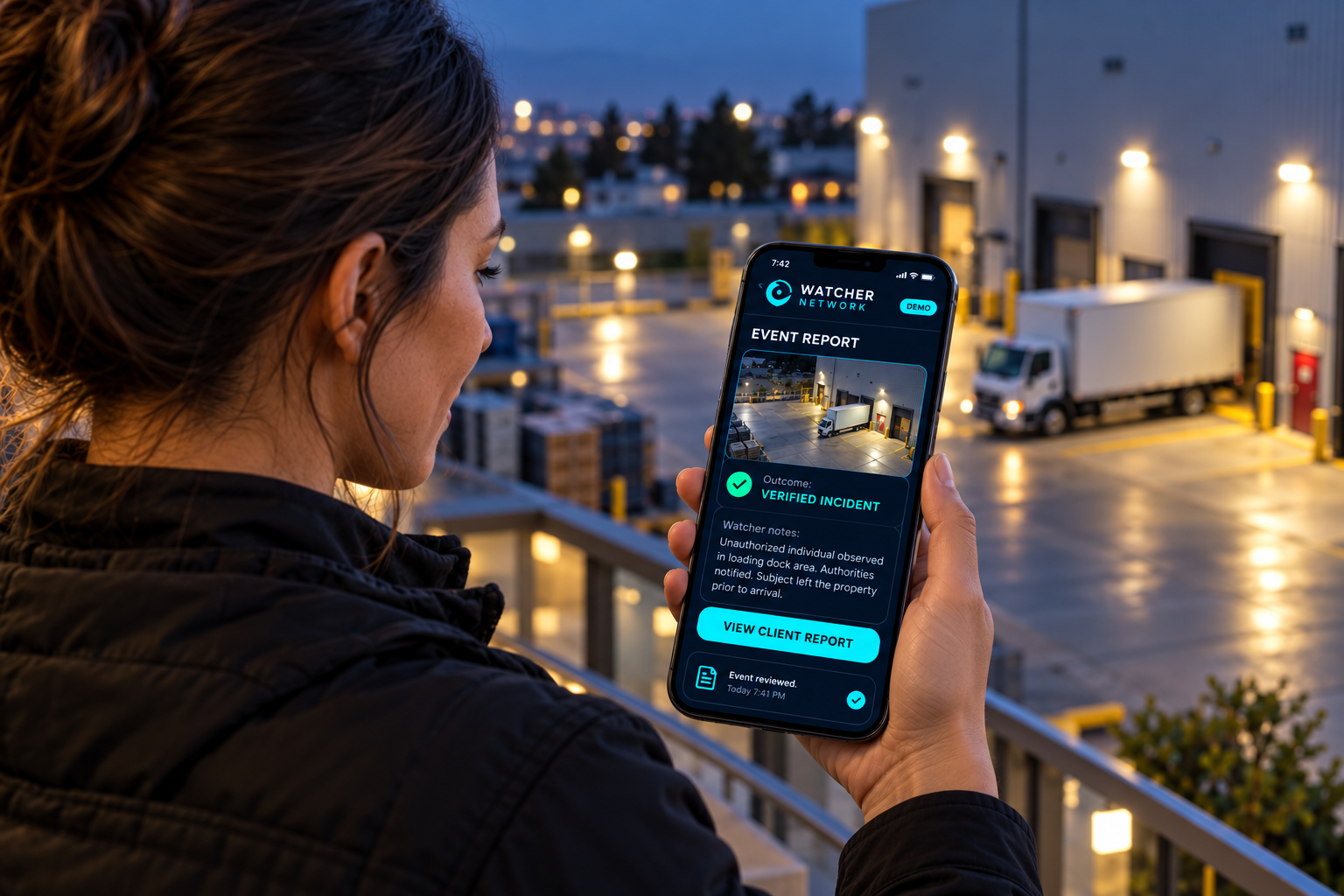
04 / DOCUMENT + NOTIFY
For either outcome, camera evidence, Watcher notes, timestamps and actions become one event record. Ownership and management can review the outcome and supporting evidence.
SIGNAL REPORT → VIEW CLIENT REPORTIllustrative scenes based on the app demonstration’s interface and controls. App actions on this page are simulated.
Explore these actions in the app demonstrationLESS NOISE / BETTER HUMAN REVIEW
Bugs, reflections, moving foliage and weather can trigger activity alerts. AI filtering reduces nuisance events; human review resolves the alerts that need judgment.
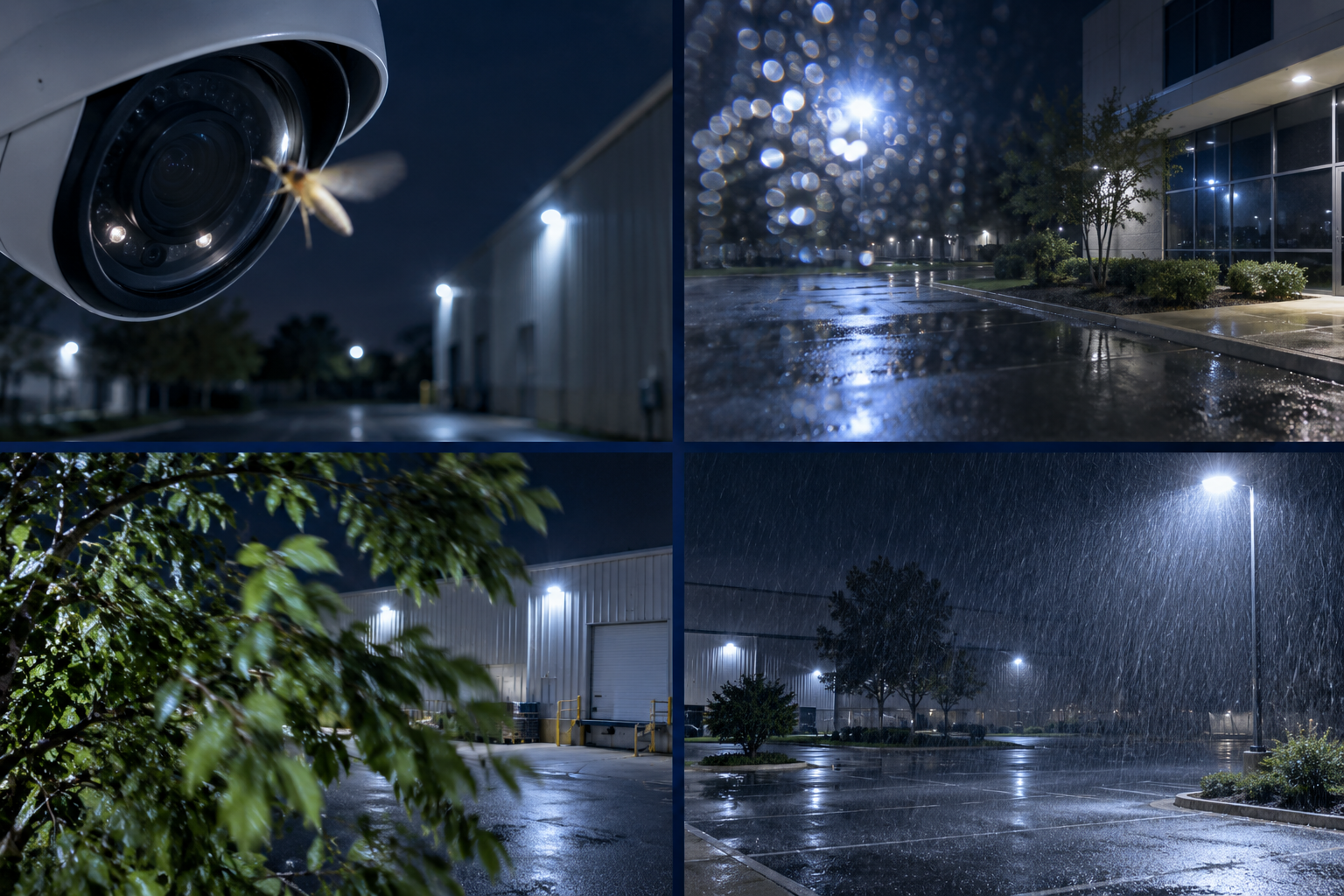
EXPLORE THE FILTERING STORY
Near-lens insects can produce oversized motion and obscure the view. AI filtering helps reduce these nuisance alerts.
Filtering performance varies with cameras, scenes and configuration. These examples illustrate the intended workflow.
DISTRIBUTED BY DESIGN
Connect compatible installations across security companies and markets.
Review the evidence and documented outcome rather than receiving an unexplained activity alert.
Accept an available Signal, verify the activity and document the action taken through the mobile app.